


Thank you forTaco Tuesday.
Julian, last night was a refreshment, and honestly just the connection I needed. Thanks for the tacos, the laughs, and the good conversation.
Also, you got me thinking. You've already built a pricing brain in Claude, which is more than I've seen any planner do at this point. I've been running my studio with a little crew of AI assistants for a while now, and I couldn't stop picturing what that could look like for your team. So naturally, instead of sending a normal thank-you text, I built you a web page.
Grant

Meet my robot staff.
Each one owns a single lane of my business, handles the repetitive stuff, and hands me drafts to approve. Nobody sends anything without my okay. Great employees, honestly. They've never once asked for a Saturday off.
Chief of staff
- SamsonMy main bot and right hand. Runs the daily Notion, Zoom, Dropbox, and Calendly work, and keeps the rest of the crew pointed in the right direction.
Client intake and proposals
- GDP InboxMy front desk. Watches wedding inquiries, updates my Notion leads, preps Squarespace proposals, drafts replies, and pencils in soft holds on the calendar.
- Survey intakePulls finished post-wedding surveys into the client record, so I actually follow up on them.
Marketing and social
- Newsletter and InstagramPlans and drafts the newsletter, the zine, and Instagram, so I'm not writing captions at midnight.
- SEOAudits the site and writes search content for luxury and documentary weddings.
- PinterestPlans what goes on Pinterest and when.
- CollabsDrafts pitches to brands and venues I'd love to work with.
Prints and albums
- Print and album salesRuns Pic-Time print campaigns and the Early Gift and Black Friday promos, and nudges couples about albums.
Operations
- Morning briefTells me what's on deck before my coffee's done.
- General help and rebrandOne-off research, eBay listings, and brand projects.
Home and research
- DanielsFamily and household stuff. Walled off from the studio, as it should be.
- PulsesDaily market insight and industry brief, delivered before the opening bell.
They draft. I decide.
Nothing goes out to a client or the internet until I say so.
One job each.
The inbox bot doesn't do marketing. The marketing bot stays out of the inbox. Nobody gets confused.
They live where I live.
Gmail, Calendar, and Notion. No new app I'll forget to open.
I reshuffle them constantly.
Lanes get merged, renamed, or retired as the business changes. It's a staff, not a statue.
Claude is the workshop. GrokBots are the staff.
You already know your way around the workshop. Your pricing tool proves it. Here's the difference in plain English.
Claude
For the heavy lifting
Where you sit down and actually think. It's brilliant with hard problems, big documents, and building real tools. It's the friend you call when something needs figuring out.
- Building your pricing tool (done, show-off)
- Writing the brains behind each bot
- Contracts, proposal templates, and SOPs
- Untangling a destination budget in three currencies
- Rehearsing a tricky client conversation before you have it
You open it when there's something to build or solve.
GrokBots
For the day-to-day
Little specialists that each own one job. They sit inside your inbox, calendar, and Google Sheets, notice when something needs doing, and have a draft ready before anyone asks. The assistant who's already on it.
- Answering inquiries with a first range, even at 11 pm
- Turning recorded planning calls into decisions and open questions
- Chasing vendor contracts, deposits, and insurance certificates (so you don't have to)
- Keeping RSVPs, room blocks, and guest travel current
- Versioning timelines as the details change
They show up every day, even when nobody remembers they exist, and they always wait for your yes.
Build the engine in Claude. Let GrokBots drive it. Right now your pricing tool waits for someone to open it. With a GrokBot, it's greeting every new inquiry, even the ones that show up during Taco Tuesday.
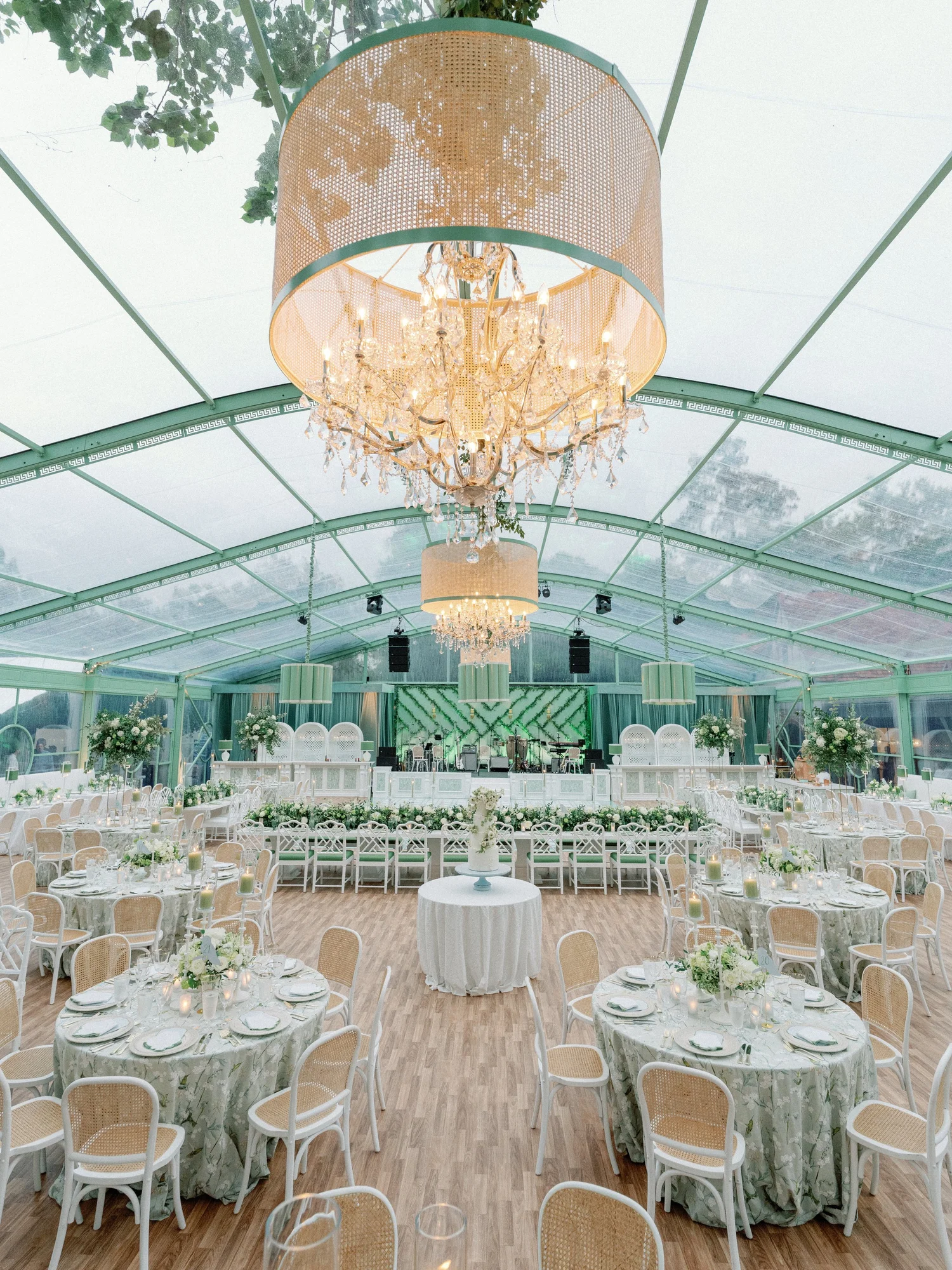
Every wedding is three thousand tiny decisions.
Right now they're scattered across inboxes, call notes, spreadsheets, and whoever happens to remember. Every dot below is one of them. Watch what happens when each one gets an owner.
Six lanes, one source of truth, and a human signing off on everything.
What this could look like at JLE.
Every lane works off the same client record. Decide something on a planning call and it shows up in the timeline, the vendor sheet, and the guest count. Nobody retypes anything, and nobody has to ask where that email went.
-
- Watches
- Your inquiry form, the inbox, and referrals from venues and vendors.
- Prepares
- A quick fit check on date, venue, guest count, and budget, a first range from your pricing tool, a reply in your voice, and a soft hold on the calendar.
- Stays with your team
- The yes, the no, and the first call. Charm doesn't automate.
-
- Watches
- Your recorded planning calls.
- Prepares
- Every decision and loose end logged to the client file by phase, plus a recap email ready to send.
- Stays with your team
- The actual conversation, and reading the room.
-
- Watches
- Contracts, deposits, and insurance certificates for every vendor on every event.
- Prepares
- Friendly nudges before anything's late, contact sheets, and load-in schedules.
- Stays with your team
- The relationships, the negotiations, and every favor you'll call in later.
-
- Watches
- Guest lists, RSVPs, room blocks, and travel, from Dallas to Paris.
- Prepares
- Current headcounts, welcome notes, and guest emails for the couple to approve.
- Stays with your team
- Family diplomacy. Especially the seating chart.
-
- Watches
- Every confirmed decision and vendor arrival time.
- Prepares
- Timeline drafts that update as things change, with conflicts flagged weeks out, not during cocktail hour.
- Stays with your team
- The final call on the day. And the bow tie.
-
- Watches
- The weeks after the wedding, all the way to the first anniversary.
- Prepares
- Client and vendor surveys, feedback sorted into themes, thank-you notes, and asks for reviews.
- Stays with your team
- Deciding what to change based on what you hear.
And every planner starts the day with a morning brief: their events, their calls, and what's waiting on them. Coffee not included.
One inquiry, all six lanes.
Here's how they pass the baton over one wedding.
Tuesday, 9:14 pm
A couple asks about a June weekend in Mallorca. While you're at Taco Tuesday, the concierge checks the date, runs your pricing tool, and drafts a reply.
Wednesday, 7:30 am
You read one draft over coffee, tweak a line, and hit send. The date's on soft hold.
Two weeks later
First planning call. The scribe logs every decision and loose end and has the recap drafted by lunch.
Every week
The liaison chases paperwork so you don't have to. The host keeps the room block honest.
Six weeks out
The stage manager sends timeline v4 and notices the band is loading in during cocktail hour. Crisis averted.
Two weeks after
The correspondent sends surveys to the couple and the vendors and drafts the thank-you notes.
You and the team still make every call. GrokBots just make sure nothing falls through the cracks.
Hand the couple their wedding before it happens.
One more idea, and it's the bold one. Take the floor plan you already have in Aisle Planner, let Claude turn it into a 3D model, and print it. A little white architectural model of their reception, sitting on a base with your name on it. I haven't seen a planner do this.
Drag to turn it
1
Pull the floor plan.
Straight from Aisle Planner or the Google Sheet: tent size, tables, dance floor, bars, and band.
2
Claude builds the model.
Everything to scale, saved as a file a 3D printer can read. Layout changes? Rebuild it in minutes.
3
Print it overnight.
Matte white, JLE on the base, ready for the design presentation. Then it goes home with the couple.
I 3D print, so this one's right up my alley. I'd be glad to help you whiteboard it.
Demo layout: a 100 by 60 foot clear-top tent, fourteen rounds, a king's table, two bars, and a dance floor.
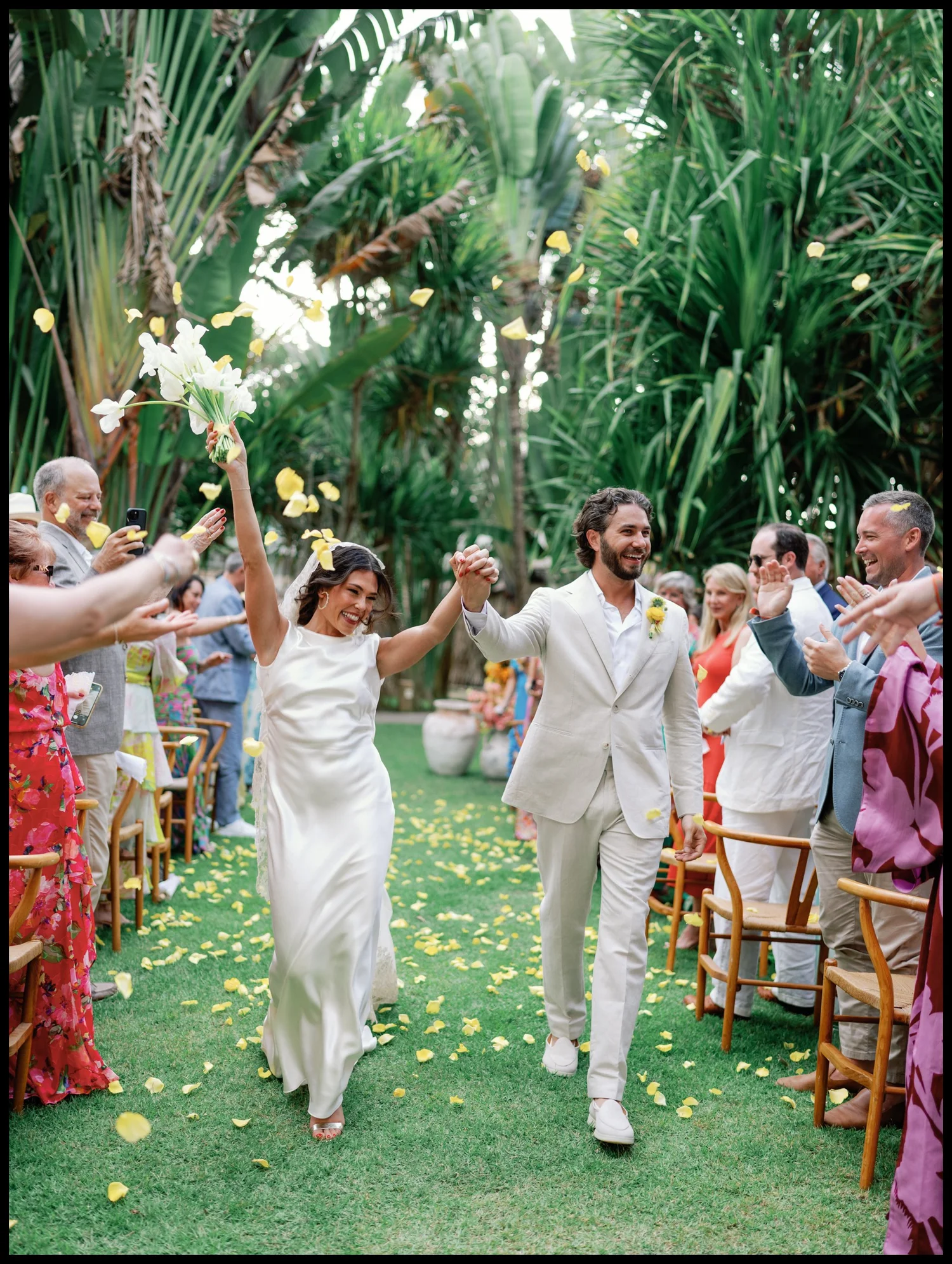
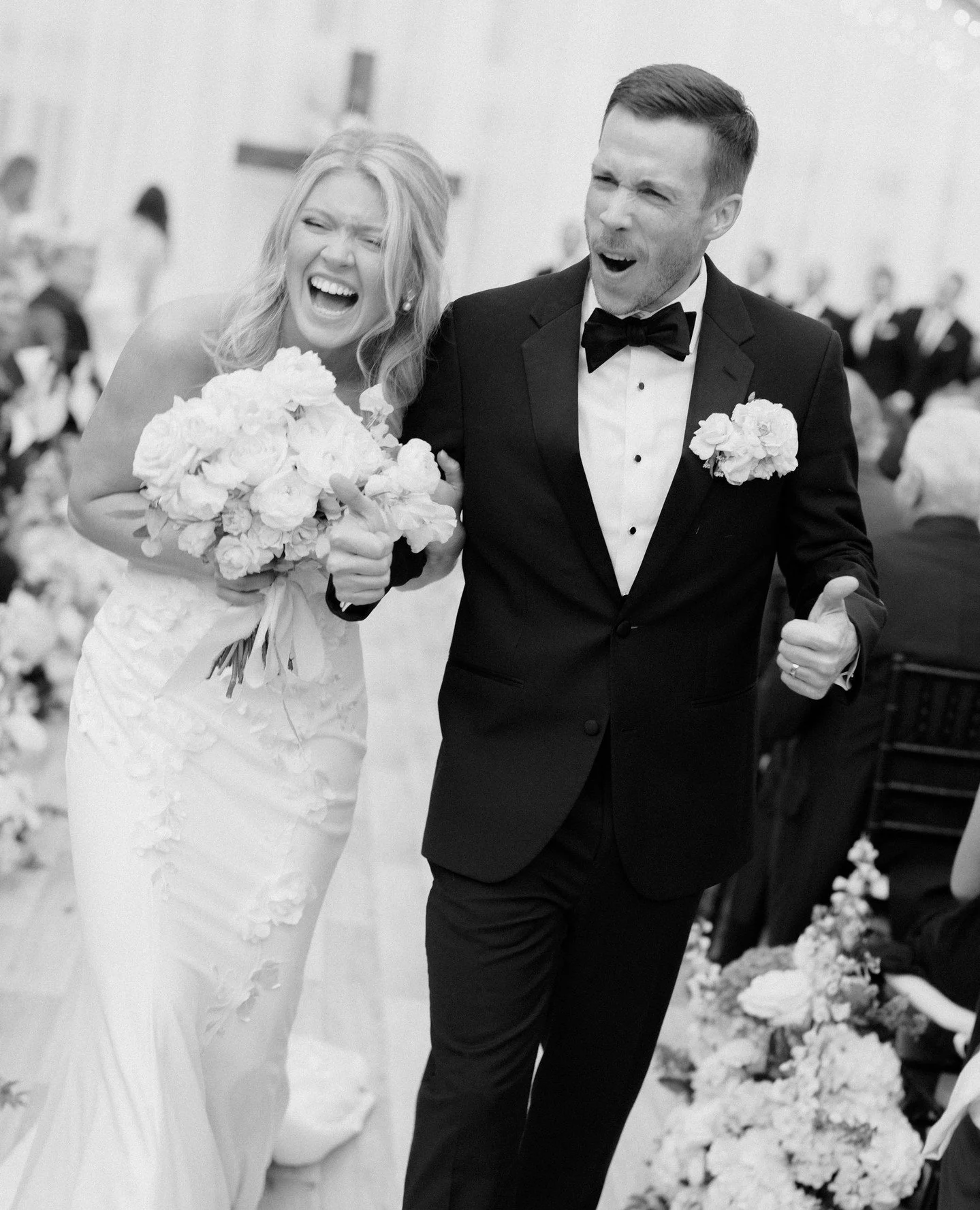
If I were you, I'd start here.
1
Start with the concierge.
Run it in draft-only mode for a month. Inquiries are where speed wins, and your pricing tool already did the hard part.
2
Use what you've already got.
Inbox, calendar, and those Google Sheets. That's all GrokBots need. Nobody on the team has to learn a new app.
3
Add one lane at a time.
Once the concierge earns your trust, add the scribe. That's the one your team will fall in love with.